The flow
consent-and-permissions
Ask for consent and system permissions honestly and in context: an unmistakable "does and never does" screen with explicit ticks right after the paywall, every line checked against the privacy policy; permissions before the price as rows with toggles that open the real system sheet, each with a one-line reason. Covers what iOS and Android actually allow. Use for privacy, terms, consent, notifications, Screen Time, location, camera or tracking prompts.
Generated draft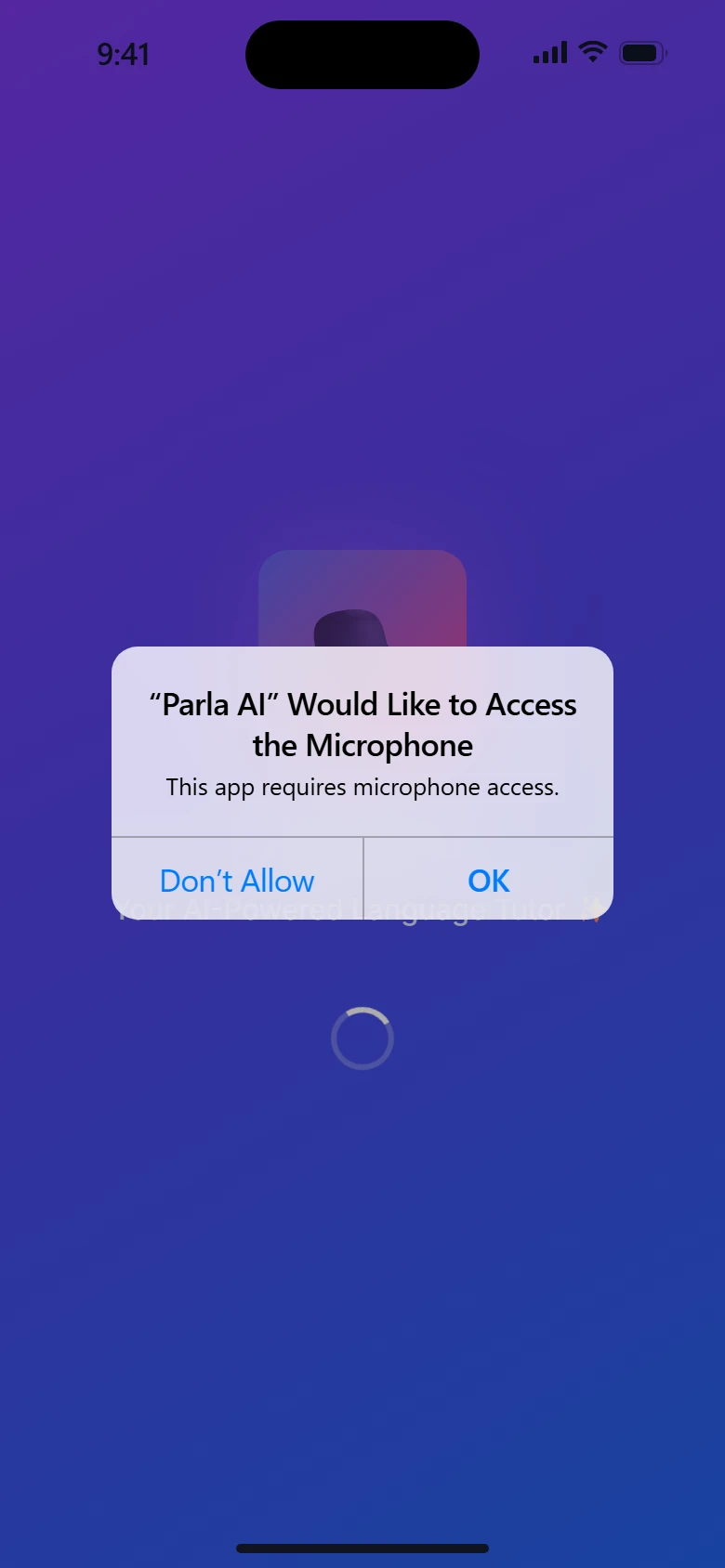
With the skills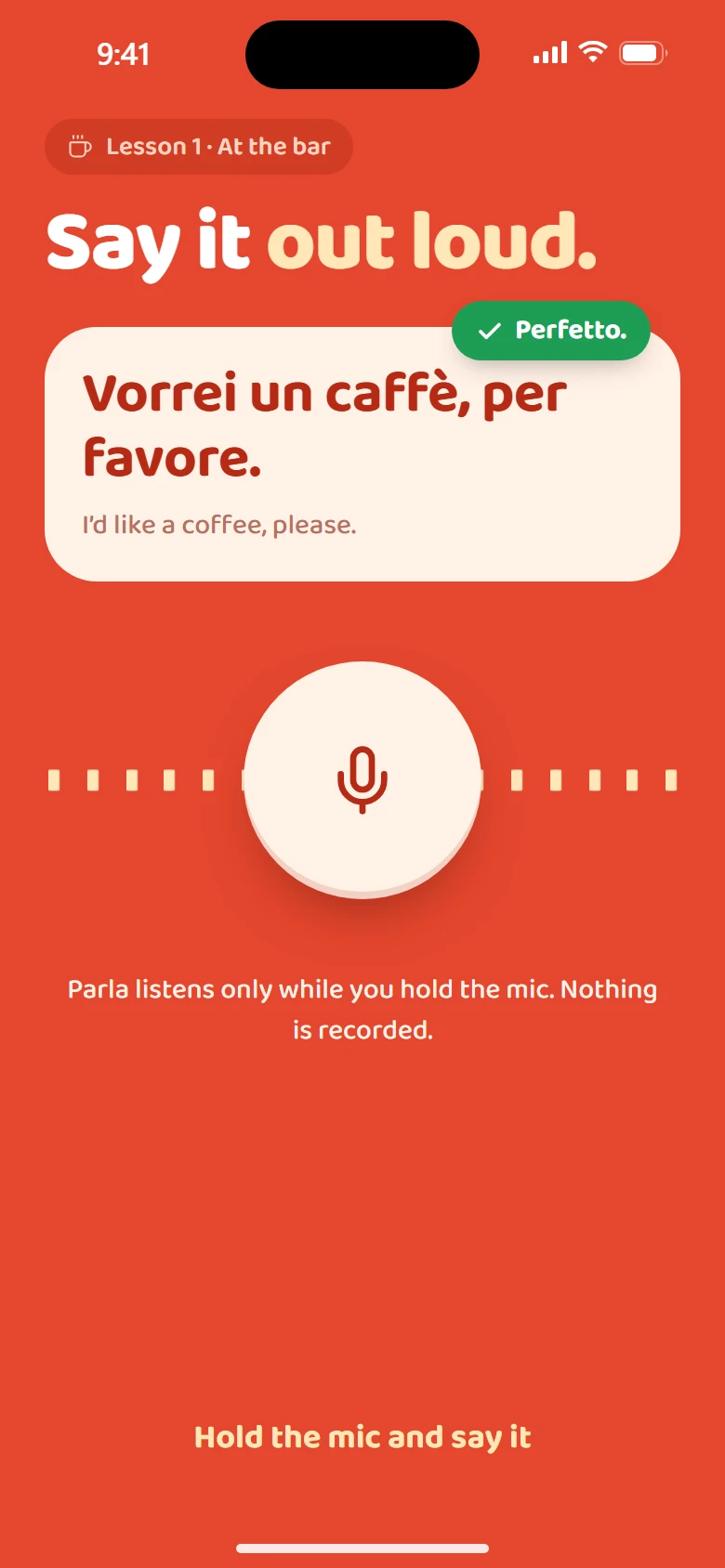
Consent, right after they commit
Put it first after the paywall (paid or closed), before anything is saved. Before the price every extra screen is friction; after it, a clear promise reassures them about what they chose.
It must be unmistakable:
- Two big cards: a green tick with "The app does", a red cross with "The app never". Green means does, red means never, and the colours mean nothing else on the screen.
- Three short bold lines each, one line of detail under each. Someone who reads only the bold still understands. One line of detail, never two: shorten until it fits.
- The app does: concrete things ("Tracks your work time" / "On this phone, and on your computer").
- The app never does: ("Records what you type" / "No keystrokes, screenshots or audio").
- No "may", no "might", no legal words. The legal text is one tap away.
- Check every line against the privacy policy, for every platform the account touches. Easy traps: "never sees your screen" when a companion app records window titles; "nothing leaves your device" when crash reports are on by default. One broken promise costs more than none.
- Two unticked boxes: "I accept the Terms of Use" and "I've read the Privacy Policy", each linking to the document. Continue stays disabled until both are ticked.
- Optional choices (marketing email, analytics) are separate and off by default; in the EU they must be opt-in. Keep them on the privacy page or as separate toggles, never bundled with terms.
- Legal footing: the core processing runs on the contract, so the ticks acknowledge, they don't permit. Acceptance still belongs before money changes hands: the sign-up line says continuing accepts the terms, and the paywall links the Terms of Use and the Privacy Policy (App Store guideline 3.1.2).
Permissions
- One screen of rows, each with an icon, the name, one line of why, and a toggle.
- A toggle cannot grant access by itself on iOS or Android. Turning it on opens the system sheet; the person still taps Allow there. If they deny, the toggle springs back and the row says "Not allowed" with a way to Settings.
- Ask what the next screen needs first. On iOS, Screen Time access (Family Controls) must be granted before the app can show the app picker.
- Never ask at launch. Ask where the reason is visible.
- Personal permissions go before the price (with the rest of "make it yours"); the top screen-time apps all do it, and the plan can then use what was allowed.
- Show the real system sheet text on the board; don't redesign Apple's or Google's dialogs.
Platform facts worth knowing
- iOS notifications: one system prompt per install; after a denial only Settings can change it.
- iOS Screen Time shields are drawn by the system; apps set the icon, title, subtitle and two buttons, not the layout.
- Android 13+: notifications need a runtime permission.
Anti-patterns
- Pre-ticked consent boxes.
- "Allow everything" buttons.
- A fake permission dialog styled like the system's that leads to the real one.