Foundation
continuity
Make a flow feel like one continuous thing instead of a deck of screens: one hero that travels and changes role, every screen starting where the last ended, values that fly and become their twin, one camera instead of cuts, devices that morph, one ground and one direction. Use when screens feel disconnected, "like a slideshow", staged or random, when designing an opening, a story, onboarding or any transition, or when someone says "one thing should go into another".
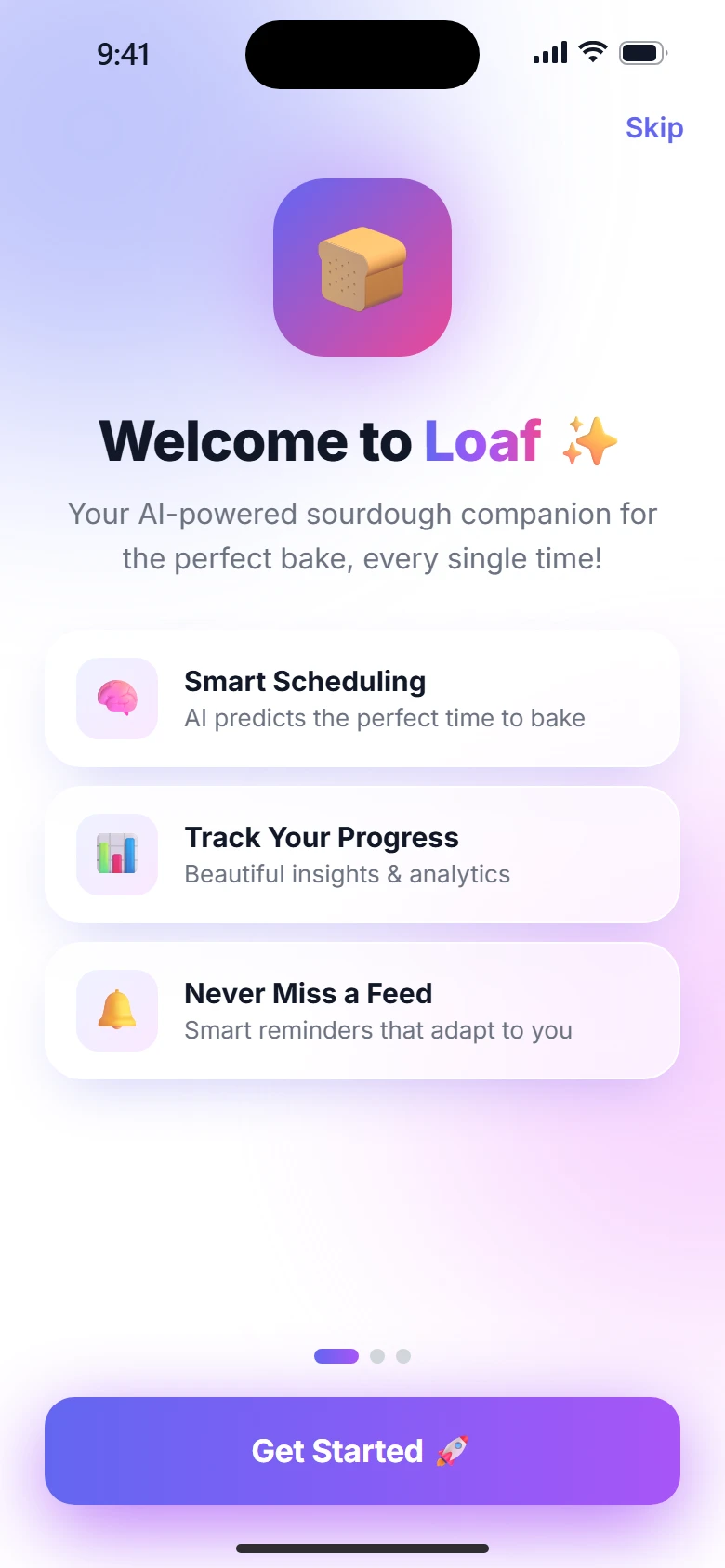
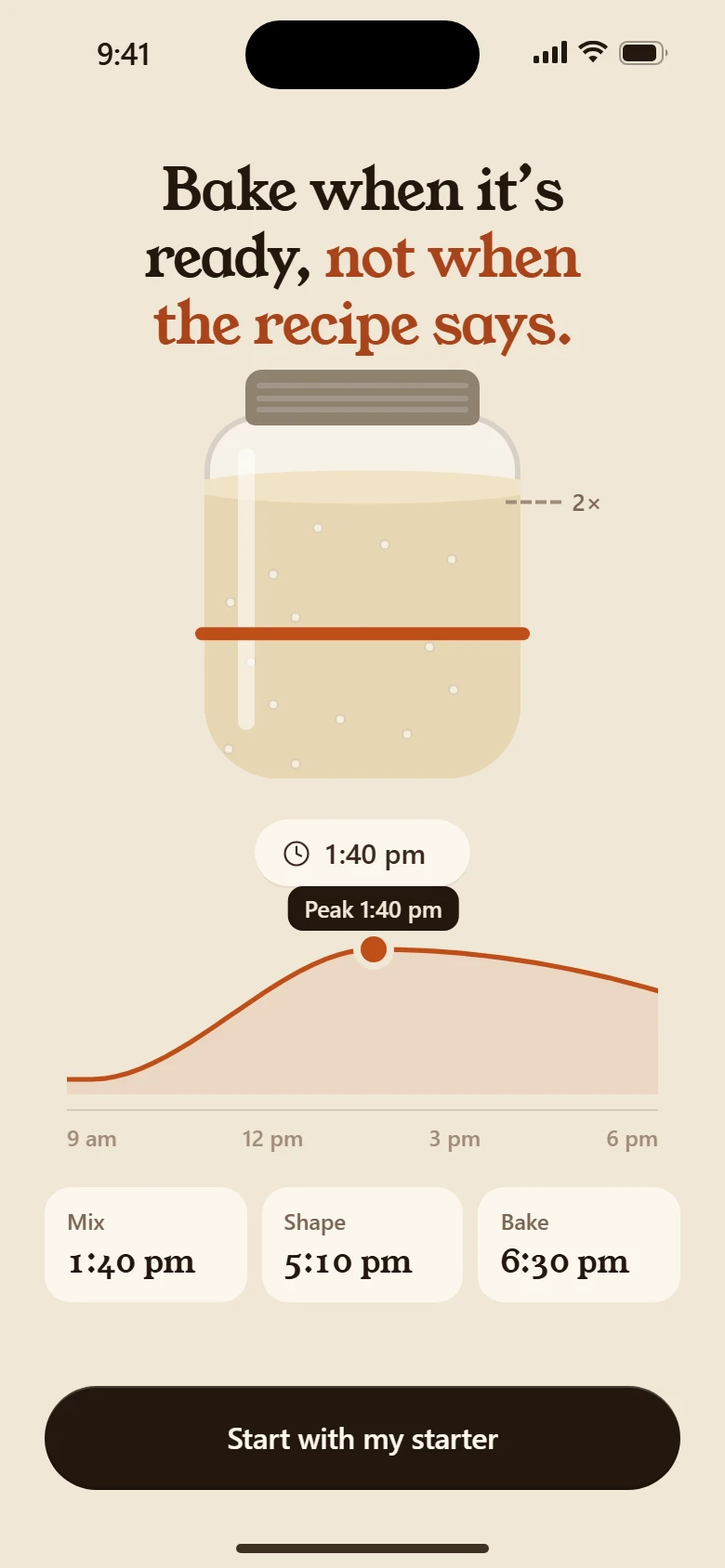
People believe what they can follow with their eyes. When every screen is a fresh card, the eye has to find its way again each time, and the product feels like a deck of slides. When one thing carries from screen to screen, the eye never lets go, and the product feels like one object being shown from different sides. That feeling is what sells. motion-system has the engine; this skill is how to plan a flow so it holds together.
The threads
Every change of screen holds on to at least one of these.
- The hero. One object stays on screen across beats and changes role. A card shrinks onto a phone's glass, the phone turns into a laptop, the card becomes a ring. Its size and place change; it is never swapped for a copy.
- The value. What the person chose travels. Their answer flies into the plan; the plan they picked rides into the payment sheet. They watch their own choice arrive.
- The camera. The world stays put and the camera moves: in to a device, down a day, back out to reveal. One rig, translated and scaled. Nothing is re-laid-out to fake a zoom.
- The direction. A part of the flow moves one way, like down a workday or forward through a week. Words arrive from the way the story is going and leave the other way.
- The ground. The background stays the same between connected screens. A ground that changes is a cut, however smooth the move.
Plan the baton before animating
Write a thread sheet (references/thread-sheet.md): for each change of screen, the last frame of one, the first frame of the next, and the one thing passed between them, the baton.
| From | Last frame | Baton | First frame | To |
|---|---|---|---|---|
| The day | the day card, centred | the card | the card on the phone's glass | The phone |
| The phone | the phone, card on its glass | the phone itself | the laptop's lid | The laptop |
| The laptop | the laptop, camera going in | the card | the ring, full screen | The result |
A row with no baton gets one, or becomes a deliberate cut, written down with the reason.
Choose the move by what it means
| What is happening | Move | SwiftUI | Compose |
|---|---|---|---|
| Same place, new words | words swap in place | .contentTransition, per-word transitions | AnimatedContent |
| A value travels | carry: one flight per shared element | matchedGeometryEffect | SharedTransitionLayout + sharedElement |
| Going into a thing | zoom into it, the thing becomes the screen | .navigationTransition(.zoom(sourceID:in:)) | sharedBounds container transform |
| The same thing in a new form | morph (phone → laptop, card → ring) | animatable shapes plus matched content | custom graphicsLayer and paths |
| Something on top | a cover or a sheet | .sheet, .fullScreenCover | ModalBottomSheet |
| Next step of a series | step: parts slide, the frame stays | .transition(.asymmetric(...)) | slideInHorizontally + fade |
| A real break in the story | a cut, on purpose | none | none |
Techniques
- Fly it (FLIP). Measure where the element is and where it will be. Place it at the end, transform it back to the start, and play the transform to nothing. When it changes form on the way (a line of text becoming a chip), fly two copies on the same path and cross them over between 35% and 65% of the flight, so nothing swaps at landing.
- Draw once, move the camera. The scene is drawn at full size inside a rig; only the rig moves. Devices never get cropped by the frame and never re-flow.
- Morph with the content upright. When a device turns into another, its content counter-rotates and scales to fit the glass, so it stays readable the whole way.
- Hand off before you travel. Put the content on the next device's glass first, then move the device. Two things moving to two places at once is chaos.
- Keep the slots. Headings sit in the same place across beats, so only the words change.
- Overlap. The next screen starts at 40–60% of the last one's exit. Empty frames break the thread.
- The baton is the slowest thing. It travels in 560–900 ms on an in-out or emphasised curve; everything else in the shot is faster and settles before it lands.
- Measure after layout and fonts. A flight that reads positions too early lands in the wrong place and jumps.
Is it continuous?
- Pause any frame in a transition. Can you point at the thing that is travelling?
- Where the eye was at the end of one screen, is something there at the start of the next?
- Does anything appear from nowhere or vanish without leaving?
- Is the ground the same? Is the direction the same?
- Play the whole part, never just one screen: continuity only exists between screens.
Never
- Slide left, slide right for a story: that's a deck.
- Fade everything out and everything in. A dissolve on its own carries nothing.
- A hero rebuilt on every screen at a slightly different size.
- Cropping a device or a picture to pretend to zoom.
- A background that changes between beats.
- Continuity everywhere. Settings and long lists can simply push; save the threads for the story, the plan, the paywall and the first run.
On the board
Every row opens with a whole-part card that plays its screens with their real transitions; the Transitions view puts each moment's variants side by side. The template's Kit has a Continuity group: a choice flying into its card, and a camera going into a device and back out.