Foundation
human-copy
Write app copy that sounds like a person: headings, one-line subtitles, buttons, errors, empty states - short, plain, specific, with one accent word, and never the phrases that make text read as generated. Use whenever a screen has words, or someone says the copy "sounds like AI", is too long, or "nobody will read that".
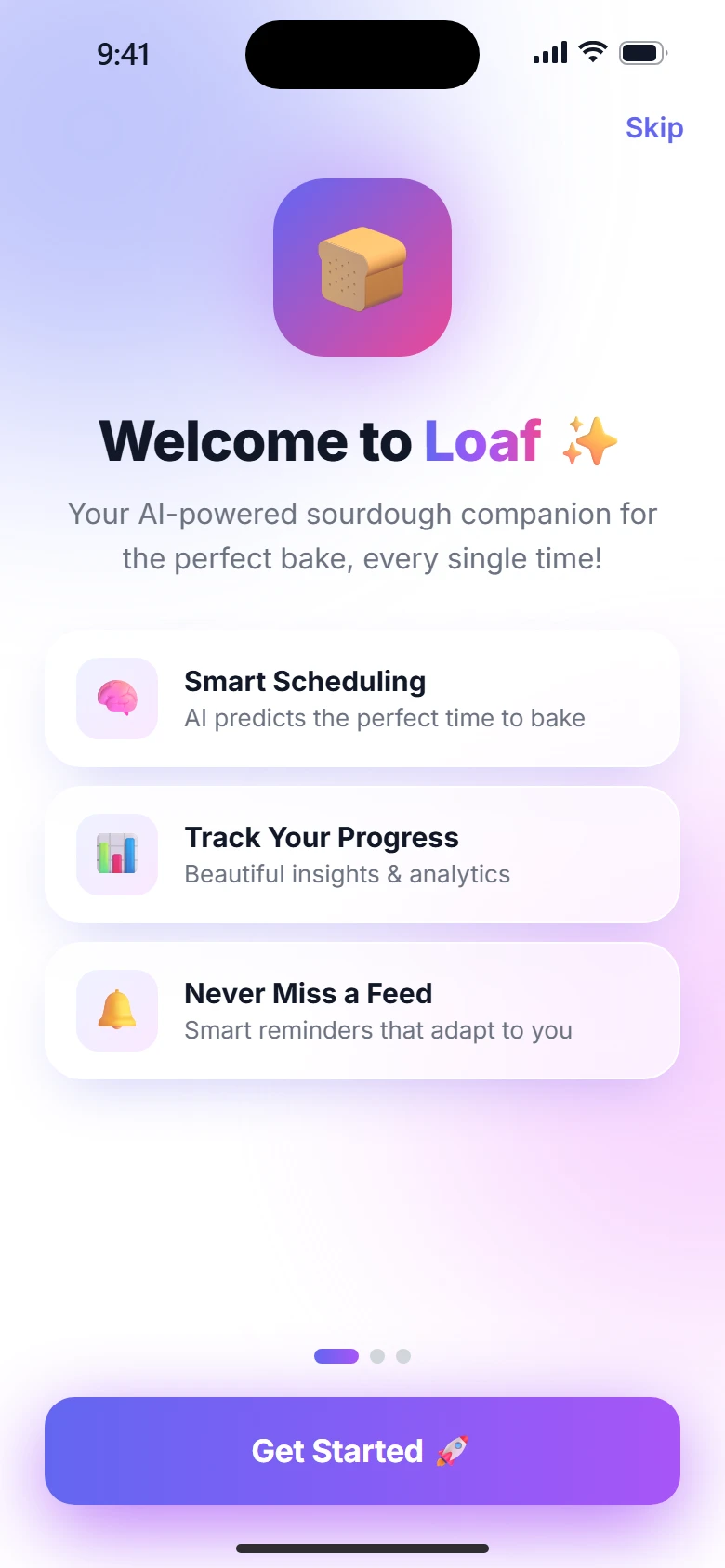
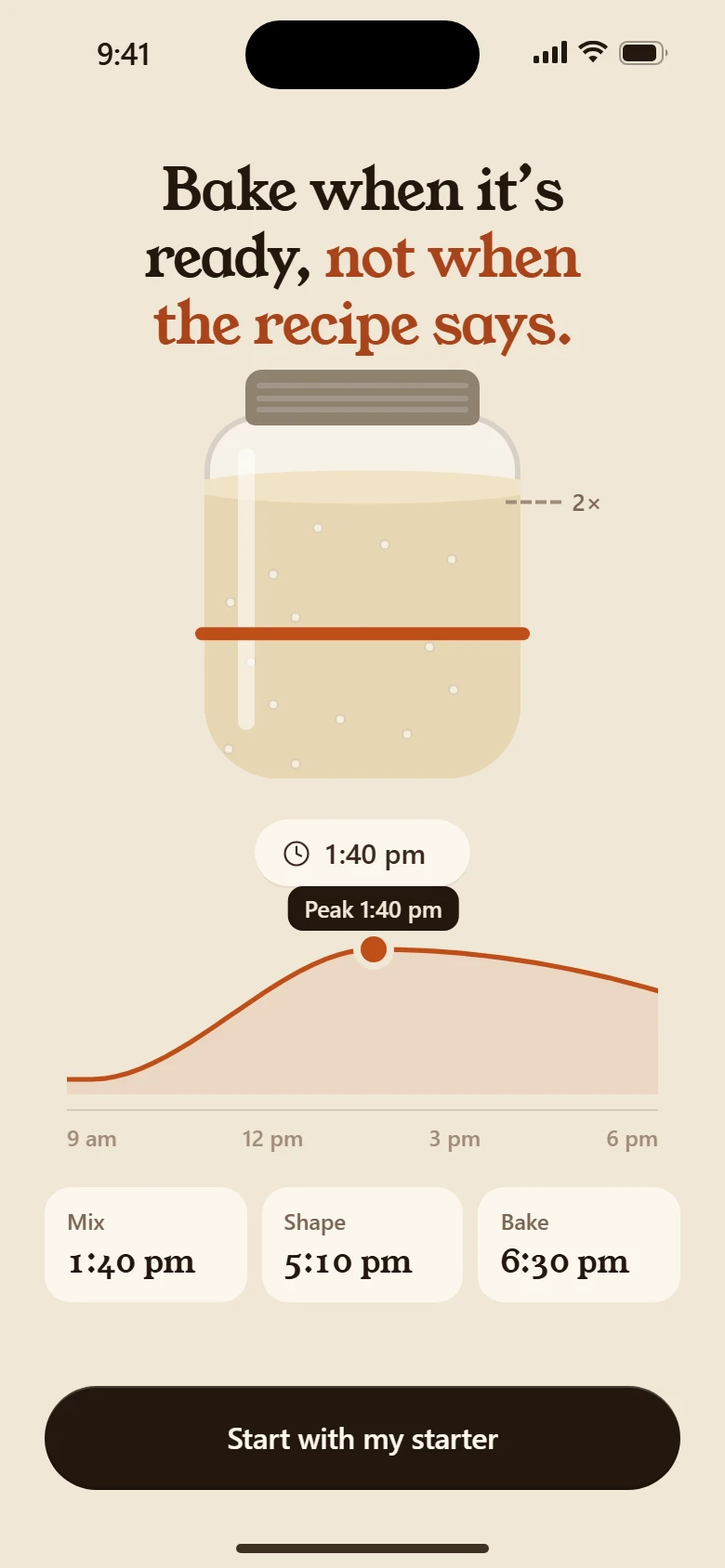
People read the heading, glance at one line, and tap. Write for that.
Shape of a screen's words
- Heading: 2–6 words. One key word carries the accent:
Plan your day. - One line under it, 4–12 words, only if it adds something the heading cannot.
- Button: the action, 1–3 words. "Continue" until the last screen of a story; then the outcome ("Get started", "Make it my workday").
- No paragraphs on onboarding screens. If it needs a paragraph, it needs a picture.
Rules
- Say the specific thing. "5 hours a week" beats "more time". "Slack and email" beats "distractions".
- The person's own numbers. Use their answers; show the sum so it can be checked.
- Exaggerate the scale, never the facts: "2,600 hours over ten years" is the same maths as "260 a year", told bigger.
- Second person, present tense, active voice.
- One idea per screen.
- Small print stays small and true ("An example day", "From your estimate").
Never write
- "Unlock your potential", "supercharge", "seamless", "effortless", "elevate", "revolutionise", "game-changer", "journey", "empower", "in today's fast-paced world", "let's dive in".
- Questions as headings that the screen does not answer.
- Three adjectives in a row. Exclamation marks. Emoji in UI copy.
- "Simply", "just", "easily" before an instruction.
- Fake social proof ("Join 10,000+ happy users") unless it is true and measured.
Leaving words
When people cancel, unsubscribe or delete, write so neither they nor the product are wrong: "It doesn't fit my budget right now", not "Too expensive"; "I'm taking a break", not "I don't use it anymore". The goodbye uses their name, the exact date and what they keep. Never "No, I don't want to save money" or a sad mascot.
Errors and empty states
- Errors say what happened and what to do, in one line: "Give the project a name."
- Empty states say what will be here and the one action that fills it.
Before you show
Read every screen's words aloud in order. If any line could appear in any other app unchanged, rewrite it.