The flow
onboarding-questions
Design onboarding questions that are quick and varied: one question per screen, the answer is the button, a mix of formats (rows, tiles, app grids, calendars, dials, sliders, swipe decks), each answer reused later. Use when building a quiz, survey, personalisation or "tell us about you" flow, or when questions feel long, text-heavy or repetitive.
Generated draft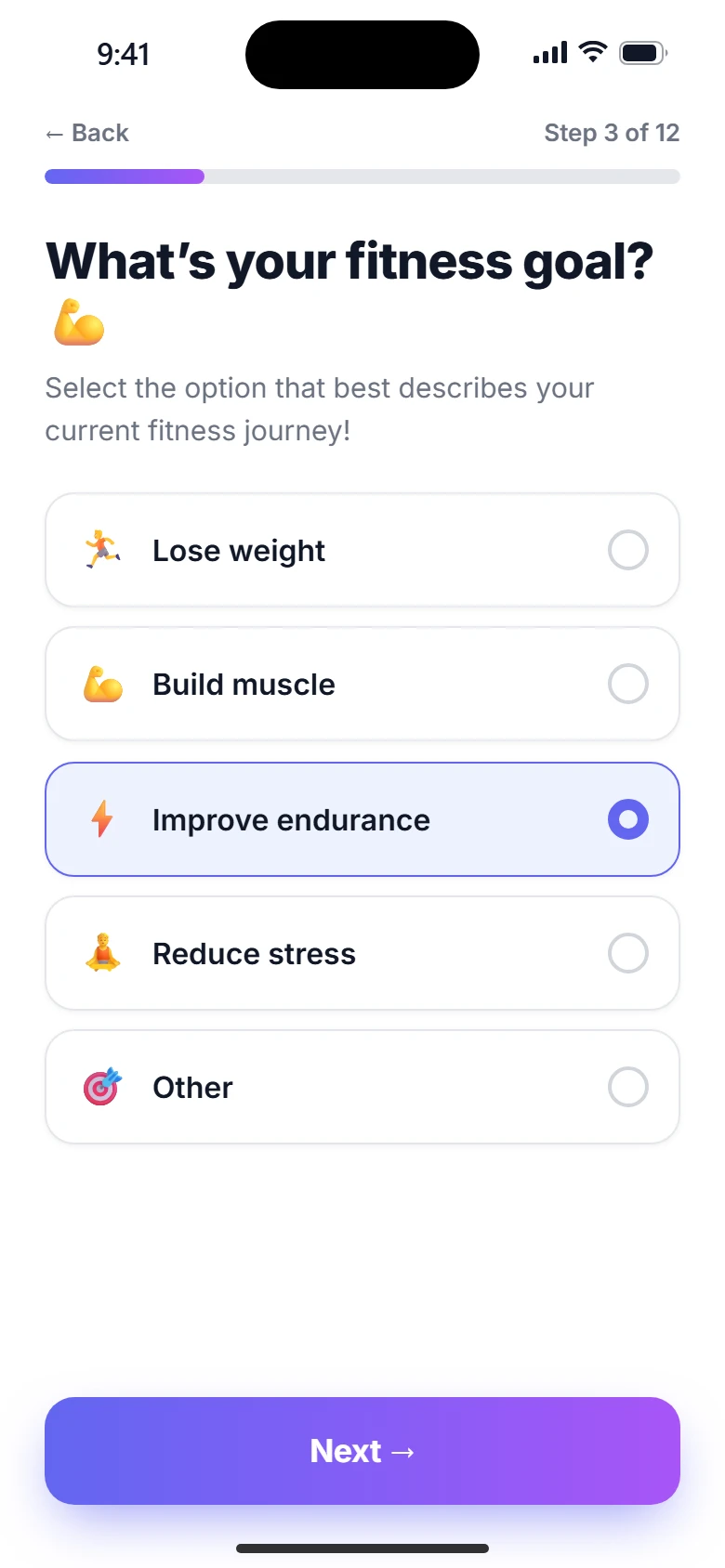
With the skills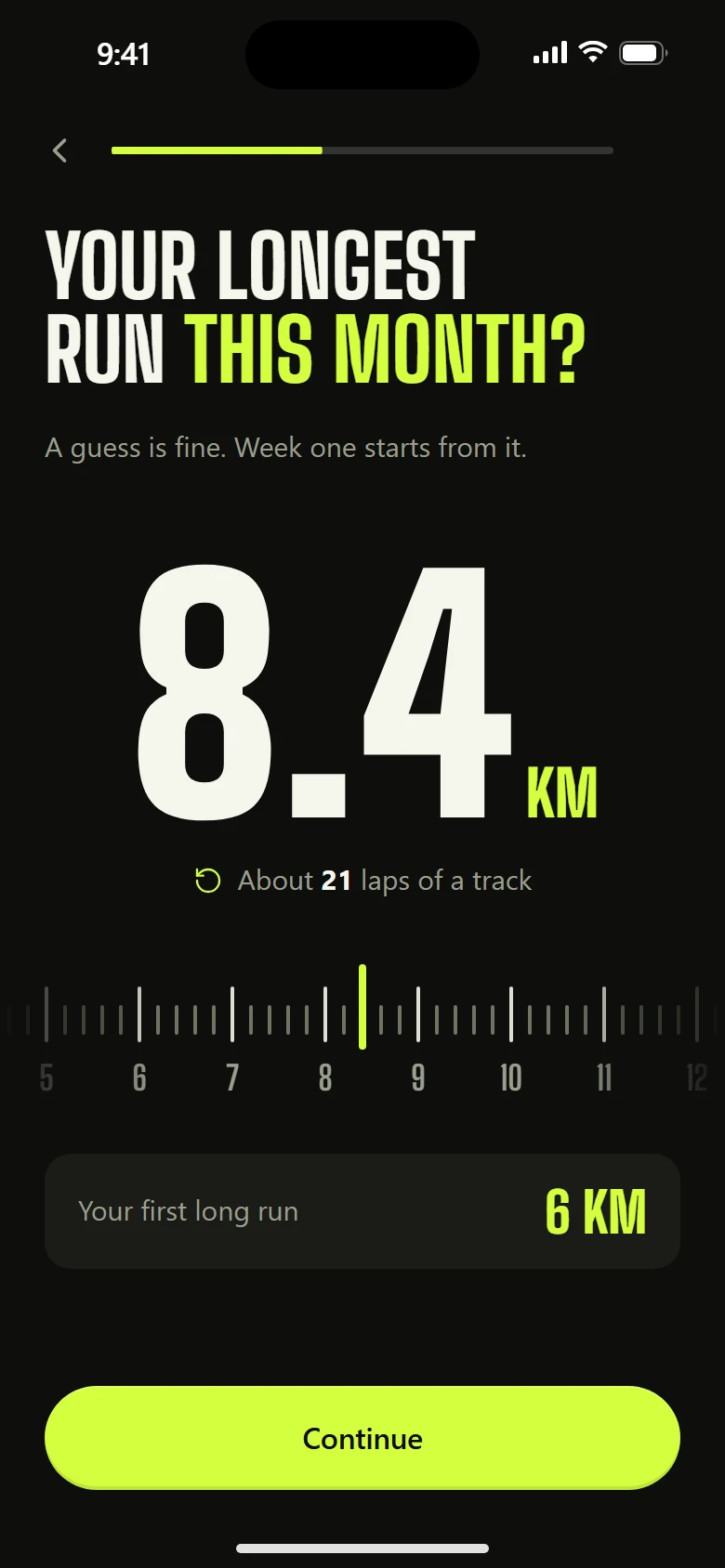
Rules
- One question per screen. A heading of 3–7 words, an optional one-line hint.
- Single picks move on by themselves 340 ms after the tap. Only multi-picks have Continue.
- Vary the format so ten questions feel like five: rows, a 2×2 tile grid, an app grid with real icons, a calendar week, a dial, a slider, a swipe deck (yes/no, five cards at most).
- Every answer shows up again. If nothing later uses an answer, cut the question.
- Ask for estimates as guesses. "How much of your workday goes to distractions?" with plain options, not a slider that pretends to measure.
- Group long option lists by kind, each with real icons: Social, Messages, Video, Meetings.
- No typing unless the answer is a name. No login before value.
- A thin progress bar at the top, a back chevron. Nothing else in the top bar.
- Ask the team size even before team features exist ("How big is your team?": just me, 2–10, 11–50, 50+), and say why in the hint ("Teams are on their way. This helps us build them."). It shapes the roadmap and pre-fills the workspace later.
Ask it plainly
- The question must be understood in one read. Clever framings ("How long is just a minute?") make people stop and decode; ask the thing itself ("How much of your workday goes to distractions?") with three or four plain answers.
- Pick the familiar control for the kind of answer. Days: one compact calendar week (day and date, lit when chosen) with presets such as Weekdays and Every day. Hours: the same range the product already uses elsewhere (Start around · the window · Finish around, one rail, two handles). A whole month or a pair of wheels is more than the answer needs.
- Ask how they work with pictures of a day, not a dial or technique names. Rows with a thin calendar strip under each (focus, breaks, meetings) read faster than "how long can you focus?".
- One decision per screen. A form that grows toggles and sub-fields is two screens.
- Default to the answer that makes the story land, then let them change it; never hide the choice.
Format catalogue
| Format | Use for | Feel |
|---|---|---|
| Rows | 3–6 options with an icon each | bloom from the finger, check pops |
| Tile grid | 4 options with a strong picture | press 0.97, bloom |
| App grid | "what do you use" with real app icons | tap to pick, a check badge pops |
| Calendar week | work days | one row of days with dates; presets light them in a wave |
| Range | work hours | the product's own two-handle range, times above, axis below |
| Day strips | how their day goes | rows, each with a thin calendar strip of focus and breaks |
| Dial | a duration, sparingly | drag round the hero; stops at sensible values with a tick (people often prefer day strips) |
| Slider | a quantity with a live consequence | thumb glides; the consequence updates as you drag |
| Swipe deck | yes/no statements | card follows the finger; stamps on the side |
| Chips | several small tags | press 0.95 |
Anti-patterns
- Twelve list screens in a row.
- A paragraph under every question.
- "Which of the following best describes your current workflow?" Write "How do you work?"
- Asking for information the app could detect.